
Overview
Use our embeddable badge to display your UpGuard security rating on your website and promote your company’s commitment to security practices. For more information, see How are UpGuard's security ratings calculated?
🎵 If you have public risk waivers in place and are a current UpGuard customer, the score in your badge reflects your adjusted score, taking your risk waivers into account.
Add the badge from your Trust Page
- Navigate to Trust Exchange > Trust Center
- Open your published Trust Page, and click Share.
- Select Embed badge from the modal that appears.
- Choose whether you would like to use light or dark mode, and then click Copy code.
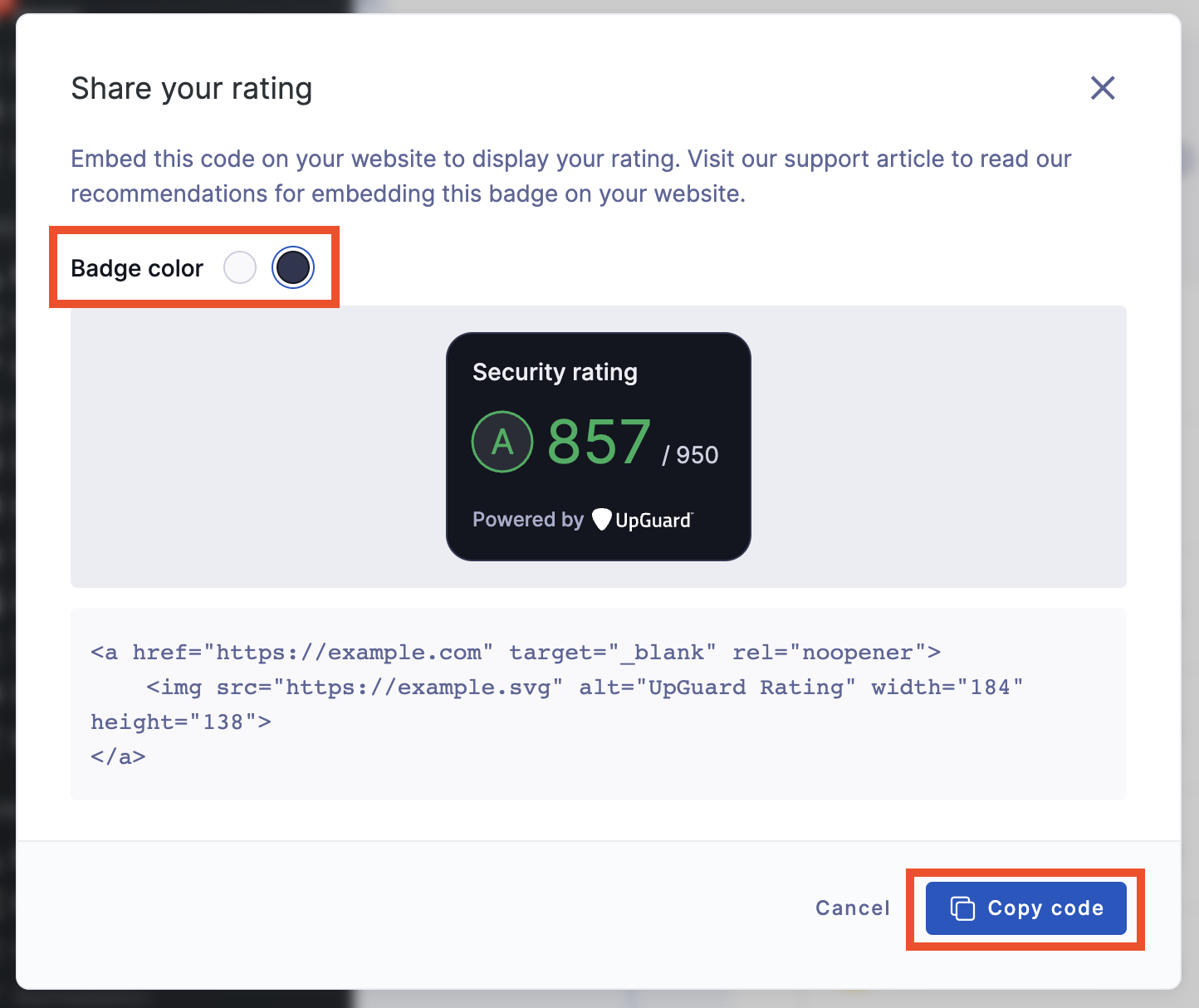
- Paste the code into your webpage.
🎵 If your website has a content security policy with an img-src directive, you will need to add https://score-badge.cyber-risk.upguard.com as a source to allow requests to the badge domain. Read more here.